Stable Diffusion on iPhone is slow: what actually affects speed
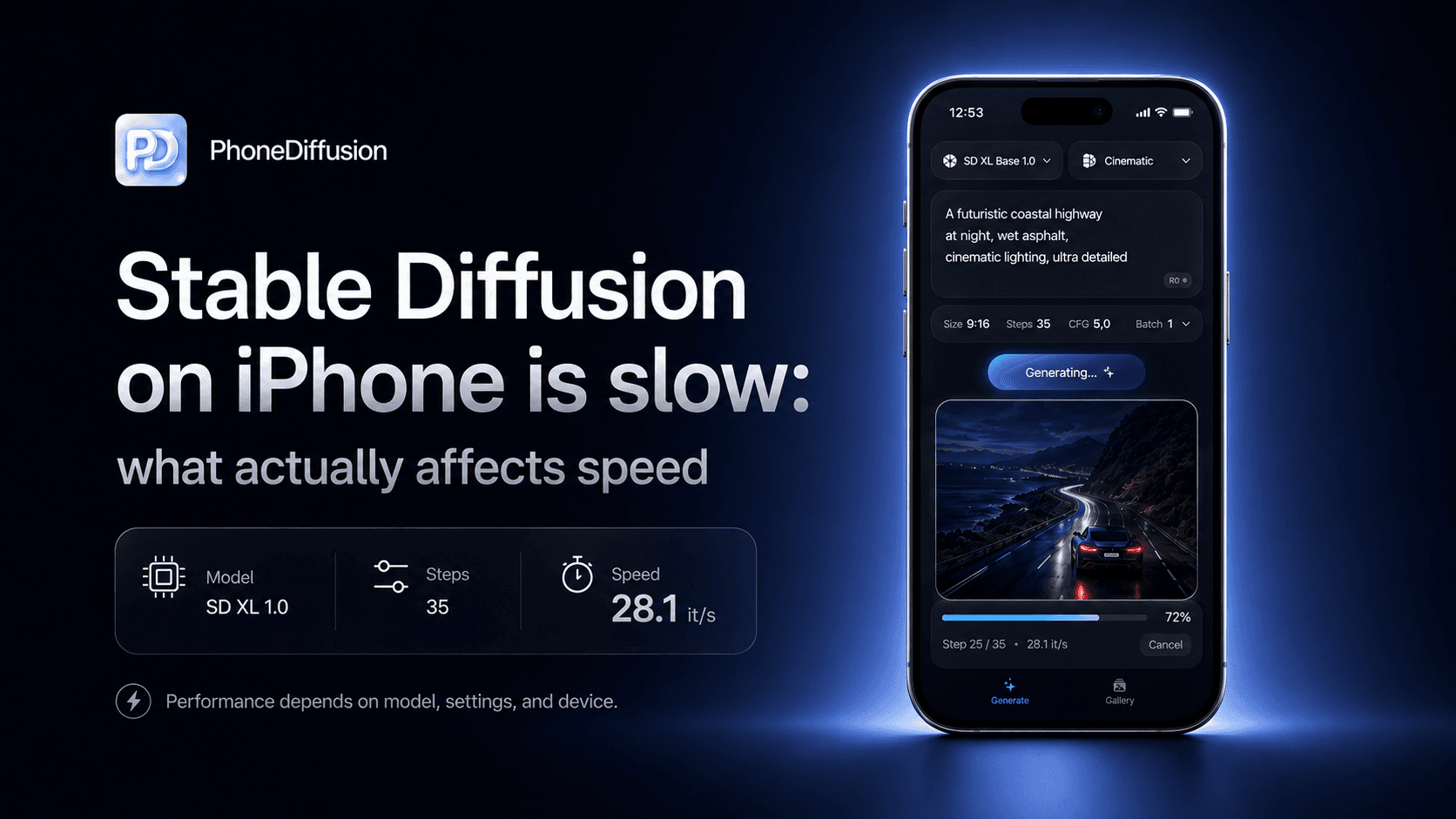
If Stable Diffusion on iPhone feels slow, the fix is usually not one hidden toggle. The real answer is that local image generation speed is shaped by a few visible factors: which model family you are using, what resolution you ask for, how many steps you run, whether this is the first generation after loading, and how much thermal headroom your phone still has.
The good news is that most of these are understandable. The bad news is that many articles still explain them badly, mixing desktop advice with mobile workflows that behave very differently.
If you want to run Stable Diffusion directly on your iPhone and generate AI images offline, check out PhoneDiffusion.
The short answer
The biggest speed lever on iPhone is usually model family, not prompt wording.
SDXL-class workflows are much heavier than SD 1.5 or SD 2.1 Base workflows.
Resolution and step count can turn a usable local workflow into a painfully slow one.
The first image can feel slower than later ones because setup and model loading overhead are part of the experience.
Heat, background load, and device class all change how fast the same generation feels on the same app.
Why local generation feels slow on iPhone
Apple’s own Stable Diffusion-on-Core-ML research makes the challenge clear: getting compelling on-device results requires making a large, multi-network pipeline fast enough to be usable on Apple hardware.
That means "slow" on iPhone is rarely about one bug. It is usually about the cost of running a real local generation workflow on a device with limited thermal and memory headroom compared with a desktop GPU.
1. Model family is usually the biggest speed decision
This is the first thing to check.
Public Apple and Hugging Face benchmark tables already show how dramatic the gap can be across model families on the same phone. In Apple’s reference runs on an iPhone 14 Pro Max, Stable Diffusion 2.1 Base at 512x512 is listed at 7.9 seconds end-to-end for 20 inference steps, while the iOS SDXL build at 768x768 is listed at 77 seconds under its benchmark setup.
Those are benchmark conditions, not a promise for every app. But the direction is the important part: a heavier model family can completely change how local generation feels.
That is why the right question is not "why is AI image generation slow on my iPhone?" It is often "which model family am I asking this phone to run?"
2. Resolution changes the workflow more than many users expect
Resolution is not a cosmetic setting on phone. It is a time budget.
Apple’s public mobile benchmarks themselves are split by model and resolution class: 512x512 for Stable Diffusion 2.1 Base and 768x768 for the iOS SDXL build. That should already tell you that higher-resolution local workflows are not a free upgrade.
Recent Draw Things performance notes make the same point from the app side. Their 2025 iPhone performance update says smaller local workflows such as Stable Diffusion v1.5 at 512x512 fit the Apple Neural Engine well, while larger generation jobs push much harder on thermal and runtime limits.
If you jump from a smaller output size to a larger one, you are not just asking for a prettier image. You are asking the phone to do more work for every result.
3. Step count can quietly double your wait
This is one of the easiest ways to make local generation feel worse without noticing why.
More steps can improve an image, but each extra step is extra diffusion work. On iPhone, that tradeoff becomes obvious much faster than it does on desktop hardware.
Apple’s public benchmark setup uses 20 inference steps as a reference point. Community discussions around Draw Things and other local iPhone workflows tell the same story in practice: once users push step counts much higher, the wait time starts to feel disproportionate.
That is why a phone-friendly workflow often looks different from a desktop-maximalist one. If you are exploring prompts, smaller step counts are often the difference between a usable iteration loop and a frustrating one.
4. The first image can be slower than the next one
Sometimes users say "it is slow" when what they really mean is "the first generation took much longer than I expected."
That is a real thing.
Apple’s benchmark notes explicitly call out overhead from memory-saving behavior that loads and unloads models just-in-time to avoid memory shortage. Draw Things’ own performance charts also separate end-to-end time including model loading from per-step time excluding model loading.
For users, the practical lesson is simple: do not confuse first-run or cold-start cost with steady-state generation speed.
If you want a fair comparison between apps, settings, or model families, compare:
repeated generations after setup
the same resolution
the same step count
the same phone
Otherwise, you are often comparing setup overhead to inference time and calling both "slow."
5. Thermals and system load matter more than most comparisons admit
Phone performance is not static.
Apple’s benchmark notes say performance can vary with increased system load from other applications and suboptimal device thermal state. Draw Things’ recent iPhone testing is even more concrete: on an iPhone 16 Pro, they say thermal throttling begins after about a minute for 1024x1024 and 1280x1280 generations under typical daily usage without extra cooling.
That means a workflow can feel fine for the first few generations and then get noticeably worse.
If you are testing local generation seriously, it helps to remember that:
a hot phone is a slower phone
large generations punish thermals sooner
background activity changes the feel of repeated runs
6. Sometimes "slow" really means setup, not generation
There is one more source of confusion in this category.
For local iPhone apps, the first experience may include:
downloading a model
installing or validating local model files
loading the model into memory
That is different from the actual speed of generating the next image once the local workflow is ready.
PhoneDiffusion’s current product direction is a good example of why this matters. The repo is built around local model delivery and device-aware model families. That means users should think about setup cost and generation cost as two related, but different, parts of the experience.
How to make Stable Diffusion on iPhone feel faster
If your current setup feels too slow, the most practical fixes usually look like this:
choose a lighter model family before chasing smaller tweaks
keep output size reasonable when you are iterating
use fewer steps while exploring prompts, then raise them only when the output is worth it
judge speed after the app is ready, not only on the very first generation
give the phone time to cool if you are doing repeated higher-resolution runs
be realistic about the hardware ceiling of your device
That is not glamorous advice, but it is the advice that usually works.
How PhoneDiffusion fits this topic
PhoneDiffusion has a credible angle here because the product lane is already aligned with the realities that determine whether local generation feels usable on iPhone:
iPhone-first workflow
on-device generation as the core product direction
local model delivery rather than pretending setup does not exist
model-family choices that reflect device fit instead of one-size-fits-all promises
That is the right way to talk about speed on mobile. Not by pretending every supported phone behaves the same, and not by turning a benchmark from one device into a universal claim.
If you want to run Stable Diffusion directly on your iPhone and generate AI images offline, check out PhoneDiffusion.
FAQ
Why is Stable Diffusion slower on iPhone than on desktop?
Because local iPhone generation is working within tighter thermal, memory, and sustained-performance limits than a desktop GPU setup. The same settings that feel normal on desktop can feel heavy very quickly on a phone.
Why is the first image slower than the next one?
Because the first run may include extra overhead from model loading, memory-management behavior, or other cold-start work. Public mobile benchmark notes from Apple and Draw Things both separate this kind of overhead from steady-state generation.
Is SDXL always too slow for iPhone?
No. It can still make sense if you want more ambitious output and have newer hardware. But it usually belongs to a slower, more deliberate workflow than lighter model families.
Does Wi-Fi make local Stable Diffusion faster?
Not after the model is installed and generation is truly local. Network speed matters more for downloads and setup than for on-device inference. Cloud-based apps are different.
Why does my phone get slower after several generations?
Thermal throttling and system load are common reasons. High-resolution repeated generations can heat the phone up enough to reduce sustained performance.
Final takeaway
If Stable Diffusion on iPhone feels slow, the cause is usually not mysterious.
It is usually one of the same few things: a heavier model family, a larger resolution, too many steps, first-run overhead, or a phone that is running hot.
That is also why PhoneDiffusion’s product direction makes sense. A serious local iPhone workflow should make those tradeoffs legible instead of hiding them behind generic AI-art marketing.