Stable Diffusion iPhone Requirements: What Actually Matters
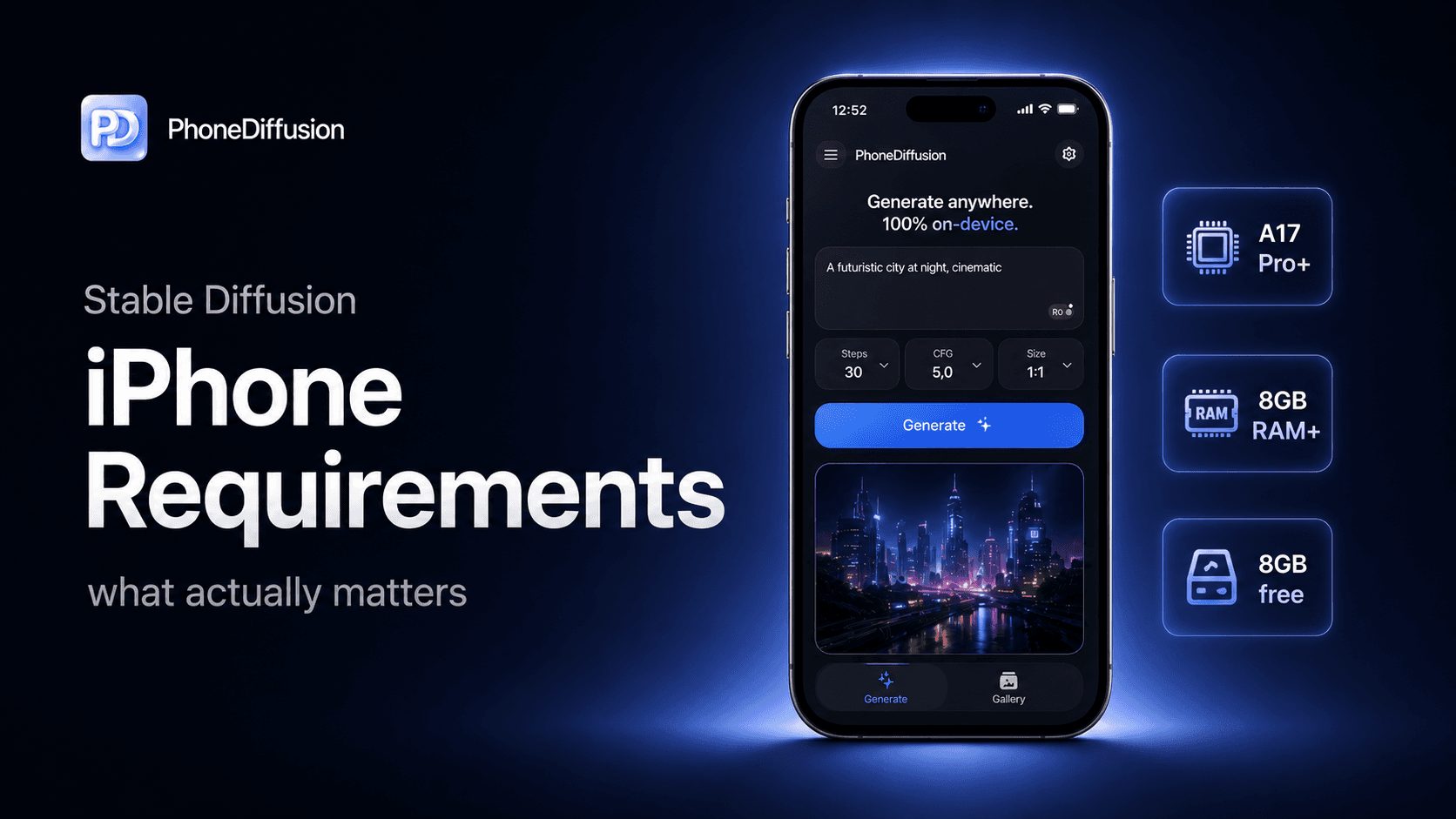
If you are looking up Stable Diffusion iPhone requirements, the answer is not a single device list. A better answer is a checklist: which iPhone, which iOS version, which model family, how much storage, and whether the app is actually running locally or sending work to a server.
That distinction matters because "runs on iPhone" can mean three very different things:
a cloud image generator with an iPhone app
a local app using a smaller model or restricted settings
a local app trying to run a heavier SDXL-class workflow on newer hardware
Those are not the same requirement profile.
If you want to run Stable Diffusion directly on your iPhone and generate AI images offline, check out PhoneDiffusion.
The short answer
For Stable Diffusion on iPhone, check five things before you install:
Device class: newer Pro-class iPhones have a much easier path than older or entry devices.
iOS version: local Core ML workflows depend on modern iOS support.
Model family: SD 1.5, SD 2.1 Base, and SDXL have very different memory and speed profiles.
Storage: real local generation usually means large model assets on the device.
Thermal headroom: a phone that technically runs a model may still feel slow or hot in repeated use.
If an app only says "works on iPhone" without explaining these tradeoffs, treat that as incomplete information.
Requirement 1: confirm it is actually local generation
Before you worry about RAM or chip class, ask a simpler question: where does the generation run?
Some iPhone apps are mobile clients for cloud image generation. They may have low device requirements because the hard work happens elsewhere. Other apps run the model locally after setup, which is more private and more offline-friendly, but also much more demanding.
Apple’s original Core ML Stable Diffusion research explains why on-device deployment matters: user input can stay on device, the model can work after the initial download, and apps can reduce server dependence. It also explains why the work is heavy: Stable Diffusion is a multi-network pipeline with roughly 1.275 billion parameters.
That is the core tradeoff. Local generation gives you more local control, but the phone has to carry the model.
Requirement 2: check iOS support, not just iPhone support
Stable Diffusion on iPhone is tied to Apple’s Core ML runtime and the app’s own deployment target.
Apple’s public ml-stable-diffusion project lists iOS 16.2 as the target device runtime floor in its system requirements. Older public sample apps built on Apple’s package also used iOS 16.2 or newer as their baseline.
Current consumer apps may require newer versions. For example, Conjure’s current App Store listing says it requires iOS 18.6 or later. That does not mean every local Stable Diffusion app needs that exact version. It means the App Store requirement is app-specific, and it can be higher than Apple’s baseline Core ML research path.
So the first practical check is simple: look at the app’s current App Store compatibility line, not an old blog post or a screenshot from launch.
Requirement 3: understand that model family changes the hardware requirement
The model family is one of the biggest reasons support gets confusing.
A smaller SD 1.5-style workflow is not the same thing as an SDXL workflow. Apple’s public benchmark tables make this visible: its reference Stable Diffusion 2.1 Base setup is shown at 512x512, while its iOS SDXL setup is shown at 768x768. The SDXL path is larger and more demanding, even before you compare app-specific optimizations.
This is why a good iPhone app should not treat support as a binary yes/no claim. The better question is:
which model can this device run well?
at what resolution?
with what setup cost?
for how many repeated generations before heat becomes noticeable?
If you are comparing apps, model family should be near the top of your checklist.
Requirement 4: storage is not optional
A truly local image generator needs model assets on the phone.
That means storage requirements are part of the product, not a footnote. Older public Stable Diffusion iOS sample work already called out model files around the multi-GB range and recommended first-launch downloads rather than bloating the app binary. Current App Store listings show the same pattern in practice. Conjure’s current listing is about 2.3 GB before you even account for any app-specific local data, generated images, or future model updates.
For users, the practical lesson is straightforward: if you want local generation, keep real free storage available.
A good app should be clear about:
first-run download size
whether model files stay installed
how much local history is stored
whether deleting local data is easy
PhoneDiffusion’s current product direction is aligned with that reality: local model delivery and local history are product-level concerns, not hidden implementation details.
Requirement 5: RAM and memory pressure matter more than the App Store compatibility line
An app can be installable and still not be pleasant on every phone.
Apple’s ml-stable-diffusion README warns that image generation can exceed 2 GB of peak memory depending on compute-unit choices, and that on iPhone, model version, device class, system load, and app design can still push memory beyond comfortable limits. Apple also strongly recommends compression for iOS deployment to reduce peak RAM.
That is why RAM-heavy language keeps appearing in local image-generator listings and communities. Conjure’s current App Store listing says it requires 6GB+ RAM and names newer Pro-class phones and M-series iPads. Older community posts around Draw Things also separate 4 GB devices from 6 GB-and-up devices for better results.
Do not over-read any one app’s requirement as universal. But do take the pattern seriously: memory headroom matters.
Requirement 6: thermals decide whether support feels good
Local image generation is sustained work. On iPhone, sustained work turns into heat.
Apple’s public benchmark notes say performance can vary with system load and thermal state. Recent Draw Things performance notes make the same point from a user-workflow angle, describing thermal throttling during larger repeated generations on iPhone 16 Pro under normal room-temperature use.
This is why "supported" and "comfortable" are not the same standard.
A phone might run a model once. The better test is whether it still feels usable after repeated generations, higher resolutions, or longer sessions.
What requirements mean for different user types
If you are a casual user, you mainly need to know whether the app works on your current iPhone and whether the first-run model download is acceptable.
If you are a privacy-conscious user, you need to verify whether generation actually stays on-device after setup, not just whether the app has an iPhone UI.
If you are a Stable Diffusion user or prosumer, you should care about model family, output size, step count, local history, and whether the app is honest about which phones get which workflow.
A practical pre-install checklist
Before installing a Stable Diffusion iPhone app, check:
Does it clearly say whether generation runs locally or in the cloud?
What iOS version does the current App Store listing require?
Does it name device or RAM requirements?
Which model family does it use?
Does it require a large first-run download?
Does it explain storage and local data behavior?
Does it separate lighter models from heavier models?
Does it admit that newer hardware will feel better?
That checklist will tell you more than a generic claim like "Stable Diffusion on iPhone."
How PhoneDiffusion fits this topic
PhoneDiffusion should not win this query by promising that every iPhone will run every model equally well. That would be the wrong claim.
The stronger position is more useful: PhoneDiffusion is an iPhone-first local image-generation product built around device fit and model choice. The current production direction centers on SD 1.5, SD 2.1 Base, and SDXL 1.0 rather than pretending one model is right for everyone.
That is the right framing for serious users. Local generation on iPhone is real, but the quality of the experience depends on matching the phone, the model, and the workflow.
If you want to run Stable Diffusion directly on your iPhone and generate AI images offline, check out PhoneDiffusion.
FAQ
Can every iPhone run Stable Diffusion locally?
No. Some apps may install on a broad range of devices, but local Stable Diffusion-class generation depends on iOS support, model family, memory headroom, and app design. Installable and pleasant to use are not the same thing.
What iOS version do I need for Stable Diffusion on iPhone?
Apple’s public Core ML Stable Diffusion project lists iOS 16.2 as the target runtime floor, but current consumer apps may require newer versions. Always check the current App Store listing for the app you plan to use.
Do I need an iPhone Pro?
Not always, but newer Pro-class iPhones usually have a much better local generation envelope, especially for heavier models. If an app is using SDXL-class models, pay close attention to device and RAM requirements.
How much storage do I need?
Expect local generation apps to need substantial storage because model files live on the device. Some current apps are already multi-GB downloads, and generated image history can add more over time.
Why do two apps have different requirements if both say Stable Diffusion?
Because "Stable Diffusion" is not one fixed workload. SD 1.5, SD 2.1 Base, SDXL, distilled models, resolution targets, and app-specific optimization choices all change the requirement profile.
Final takeaway
Stable Diffusion iPhone requirements are not just a device list.
The real requirements are: a supported iOS version, enough local storage, enough memory headroom, a model family that fits the phone, and an app that is honest about what runs locally.
That is the lane PhoneDiffusion should keep owning: iPhone-native image generation where device fit, setup, and model choice are treated as first-class product decisions.