Midjourney vs Stable Diffusion on iPhone: Which Workflow Fits You?
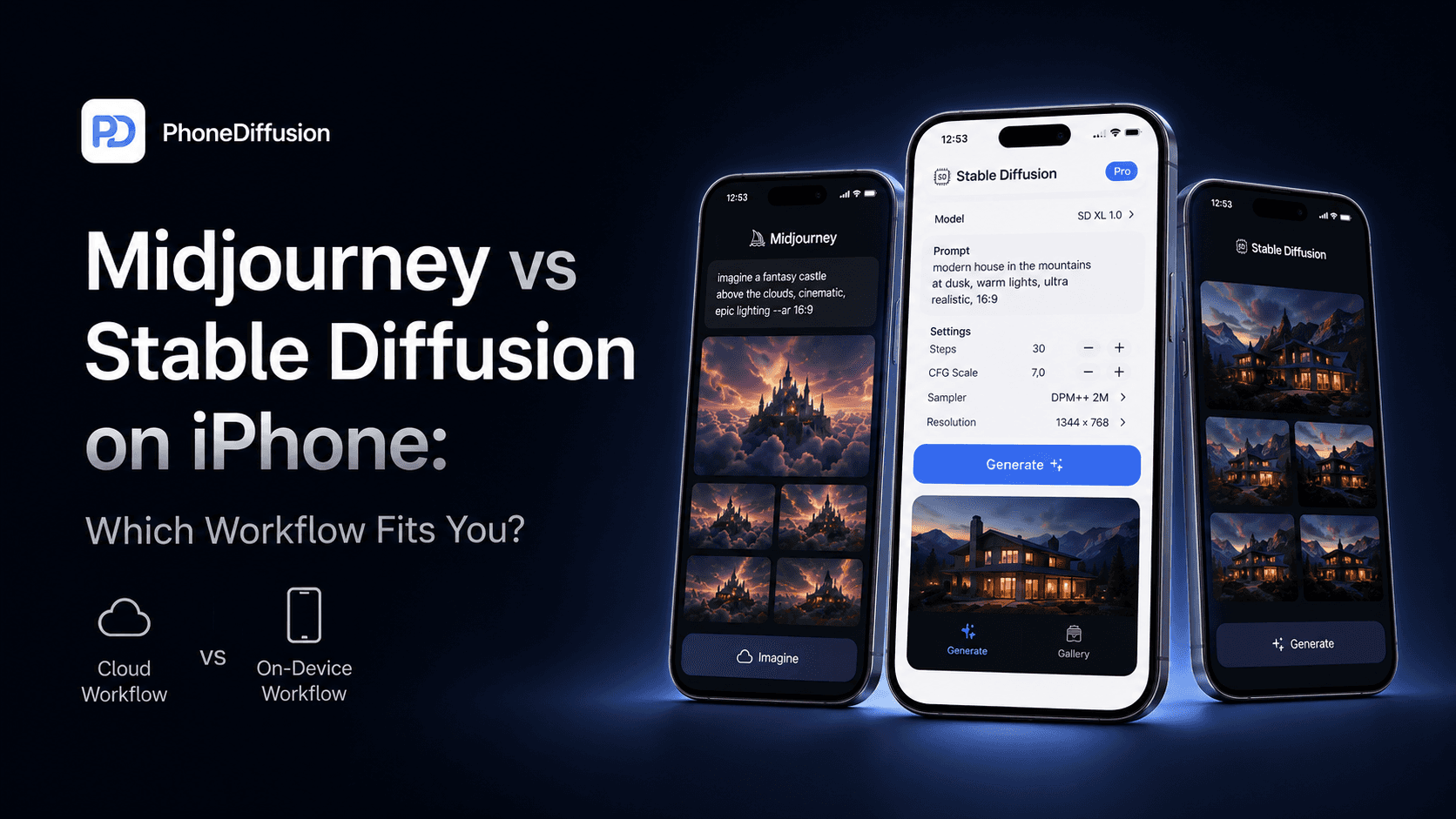
If you are choosing between Midjourney and Stable Diffusion on iPhone, you are not just choosing between two image generators. You are choosing between two very different workflows.
Midjourney is a cloud service built to get you to a strong image quickly. Stable Diffusion on iPhone is appealing for almost the opposite reason: more local control, more awareness of what model and settings you are using, and a path that can stay closer to your own device.
For a lot of people, the real question is not Which one makes prettier images? It is Which set of tradeoffs do I actually want on my phone?
If you want to run Stable Diffusion directly on your iPhone and generate AI images offline, check out PhoneDiffusion.
The short answer
Choose Midjourney if you want the easiest path to polished output, do not mind using a cloud service, and care more about convenience than local control.
Choose Stable Diffusion on iPhone if you care about privacy, offline or local-first use, more explicit model and settings choices, and a workflow that feels closer to owning the process instead of renting it.
That does not mean Stable Diffusion on iPhone is automatically the better option. It means it is a better fit for a different kind of user.
What changes when the device is an iPhone?
On desktop, people often compare Midjourney against Stable Diffusion in terms of image quality, model flexibility, or setup complexity.
On iPhone, the comparison shifts.
Your phone has tighter storage limits, tighter thermal limits, and much less room for waste. A local Stable Diffusion workflow on iPhone has to deal with model size, device support, warmup time, and the reality that generation is happening on the device you are holding.
Midjourney avoids most of that because the heavy work happens in the cloud. From the iPhone user’s point of view, that usually means less device strain and less setup pressure.
So the iPhone-specific question is this:
Are you trying to turn your phone into a private image-generation tool, or are you using your phone as a clean front end for a hosted service?
Where Midjourney wins
1. Faster path to a good first result
Midjourney is built around reducing friction. Its current web workflow is designed so you can type a prompt, generate, rerun, vary, and keep moving.
That matters if your main goal is speed of creative iteration rather than understanding the stack underneath.
If you open your phone because you want a quick concept image, a dramatic visual, or a strong social asset with minimal setup, Midjourney usually has the better starting experience.
2. Less device burden
A cloud workflow means you are not asking your iPhone to do the actual denoising work locally.
That changes the experience in obvious ways:
you are not managing large local model downloads in the same way
you are not balancing generation settings against thermals and memory headroom
you are not limited by which model family your specific iPhone can handle comfortably
For users who just want results, this is a real advantage.
3. Easier for users who do not want to think about model choice
Stable Diffusion users often want vocabulary such as model family, step count, guidance, size, or quality preset to stay visible.
Midjourney goes in the other direction. It is designed to hide more of the machinery and keep the interface focused on creating.
That abstraction is not a flaw. For many people, it is the product.
Where Stable Diffusion on iPhone wins
1. Better fit for privacy-conscious creators
This is the most important difference for PhoneDiffusion’s audience.
Midjourney is a hosted service. Its own documentation describes it as open by default, and its privacy controls are something you have to think about explicitly.
A local Stable Diffusion workflow on iPhone can move in the opposite direction: prompts, images, history, and model files can stay on the device, and there does not have to be any cloud sync in the middle of the experience.
That is not a minor feature difference. It is a different trust model.
2. More explicit control over the workflow
Stable Diffusion users usually care about what is actually being run.
They want to know:
which model family they are using
what settings are shaping the result
what tradeoff they are making between speed and quality
whether the app is really local or just branded that way
Midjourney is stronger when you want the system to make more decisions for you.
Stable Diffusion on iPhone is stronger when you want those decisions to stay legible.
3. Local-first is a real product advantage on iPhone
A lot of mobile AI apps say private when they mostly mean we have a privacy policy.
For Stable Diffusion on iPhone, the stronger standard is simpler: where is the generation happening, and where do the prompts and images live?
That is why local-first tooling matters. If your reason for using AI image generation on iPhone is that you want it to feel native, private, and self-contained, a local Stable Diffusion app has a meaningful right to win.
The hidden tradeoff is dependency
Most comparison posts reduce this topic to image quality versus price.
That misses the part that actually matters on a phone.
Midjourney depends on the service.
Stable Diffusion on iPhone depends on the device.
Midjourney’s dependency means:
account and subscription are part of the workflow
privacy is not the default assumption
changes to plans, features, or access happen on the service side
Stable Diffusion on iPhone’s dependency means:
device support matters more
storage and thermal behavior matter more
model choice and settings have more visible consequences
Neither side is free.
You are just choosing which dependency you would rather live with.
Where PhoneDiffusion fits
PhoneDiffusion makes the most sense for users who do not want a generic cloud AI art app and also do not want a dense power-user lab on day one.
The product direction in the repo is clear:
iPhone-first
on-device generation
accountless at launch
no cloud sync at launch
curated model delivery instead of an everything-and-the-kitchen-sink import story
That is a strong position for readers who want local generation on iPhone without turning the whole experience into a reverse-engineering hobby.
It is not the same promise as Midjourney.
Midjourney is about managed convenience.
PhoneDiffusion’s angle is that your iPhone can be the place where the work actually happens.
Which one should you choose?
Choose Midjourney if:
you want polished results quickly
you are comfortable with a cloud account workflow
you care more about convenience than local ownership
you do not want to think much about model families or generation settings
Choose Stable Diffusion on iPhone if:
you want generation that is closer to your own device
privacy and local handling of prompts and images matter to you
you want a more explicit speed-versus-quality workflow
you care about model choice, controls, and technical legibility
Choose PhoneDiffusion specifically if:
you want a local iPhone-native workflow rather than a browser-first cloud tool
you like the idea of curated on-device models instead of an app that expects desktop habits
you want Stable Diffusion on iPhone without needing a developer mindset just to get started
Final takeaway
If you are choosing between Midjourney and Stable Diffusion on iPhone, do not ask only which one makes the better image.
Ask which one asks more of the cloud, which one asks more of your device, and which one gives you the kind of control you actually want.
Midjourney is the easier recommendation for people who want great-looking output with less friction.
Stable Diffusion on iPhone is the better recommendation for people who want privacy, local-first behavior, and more visible control over the creative process.
That is the real split.
If you want to run Stable Diffusion directly on your iPhone and generate AI images offline, check out PhoneDiffusion.
FAQ
Is Midjourney available on iPhone?
Yes, you can use Midjourney from iPhone through its web workflow. But that is still a cloud workflow, not an on-device generation path.
Is Stable Diffusion on iPhone automatically offline?
No. Stable Diffusion on iPhone does not automatically mean local generation. Some apps use the branding while relying on cloud processing. You have to check where generation happens, whether models live on the device, and whether prompts and images stay local.
Is Midjourney more private than local Stable Diffusion on iPhone?
Not if privacy is your main requirement. Midjourney is a hosted service. A local Stable Diffusion workflow can be the stronger choice when you want prompts, images, and history to stay on your phone.
Which one is better for beginners?
Midjourney is easier for most beginners who want fast, aesthetically strong output. Stable Diffusion on iPhone is better for beginners who specifically want to learn a local workflow and care about privacy or technical control.
Is Stable Diffusion on iPhone always slower than Midjourney?
Not in every sense, but it is usually more sensitive to device capability, model size, and settings. A cloud service can feel faster because your phone is not doing the heavy generation work locally.
Related reads
Stable Diffusion on iPhone: what actually works on-device in 2026
Offline AI image generator for iPhone: what to check before you download
Image Playground vs Stable Diffusion on iPhone: Which one for AI Images?
Stable Diffusion on iPhone is slow: what actually affects speed
Stable Diffusion iPhone requirements: what actually matters before you install